
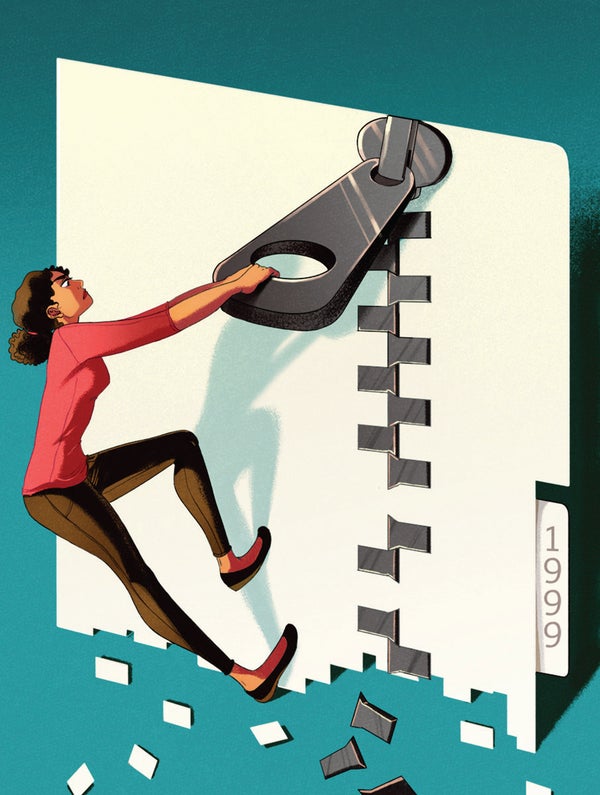
I'm not the first techno writer to raise the alarm about data rot, which can be described as “the tendency of computer files to become inaccessible as their storage media go to the great CompUSA in the sky.” Over the years we've entrusted our writing, business documents, music and art to such now defunct formats as punch cards, magnetic tape, floppy disks and Zip disks. And if you think CD-ROM and DVD-ROM will be with us much longer, you're crazy.
I come before you today, though, with something much more sinister to keep you awake at night: file-format rot.
That's where you worry not about the storage media but about the document formats of your files.
On supporting science journalism
If you're enjoying this article, consider supporting our award-winning journalism by subscribing. By purchasing a subscription you are helping to ensure the future of impactful stories about the discoveries and ideas shaping our world today.
The problem struck me like a sledgehammer when I tried to open some old Microsoft Word documents earlier this year. They wouldn't open! Microsoft Word, circa 2017, could not open its own documents, circa 1989. Doesn't that seem to violate some fundamental law? Some implied guarantee? It's like waking up one morning to find out that today's screwdrivers don't fit the trillions of screws that are holding our structures together.
For the first decade of my career, right out of college, I worked as an arranger and conductor of Broadway musicals in New York City. I spent years of my life creating musical scores with early sheet-music software such as Professional Composer, Deluxe Music Construction Set and HB Engraver. Each one took hours and hours and hours. And now? I can't look at those scores. Apart from the ones I have as printouts, I'll never see them again. The parent software programs are long gone—and with them, all of the notes and chords locked forever in their documents.
So how can we expect future generations to be able to open our screenplays, novels, photographs, videos and other works of creation?
You know who spends a lot of time worrying about this question? The Library of Congress. It's in the process of a multimillion-dollar effort to digitize its 70 million manuscripts, 14 million photos and 800,000 rare books. The idea is both to preserve them and to make them available to the public on the Internet.
A couple of years ago I had the chance to interview Helena Zinkham, the library's chief of prints and photos. She pointed out that not only has paper turned out to be one of the best document formats but that older paper is the best of all. “Paper was actually much sturdier in the 1400s, 1500s, 1600s, because they made it from cloth, rag content, linen-based paper and cotton-based papers,” she told me. “But in the 19th century, to mass-produce paper, they began to introduce chemicals into the process.” Those chemicals led to faster deterioration.
So if you're the Library of Congress, and you're well aware of file-format rot, and you're hoping to preserve your collection for future generations, what's your scan plan? What computer-file format could you possibly expect to be around in 200 years?
Well, first, you choose as open a format as possible, one that's not jealously guarded by one software company. The library has chosen TIFF files as it digitizes its photos, books and documents. “That seems to give us the best hope of being able to migrate [these files] over many years,” Zinkham says.
And that, it turns out, is the key: reconversion is baked into the library's plans. When the library began its scanning program in the mid-1990s, the resolution was very low—420 by 560 pixels for an entire image. Today each scan is several thousand pixels tall and wide.
What this means, of course, is that the job of converting file formats never actually ends. Already the Library of Congress is rescanning its most important documents and pictures, to take advantage of advances in bit depths and resolution—and plans to do so, periodically, forever.
That, it turns out, should be our strategy, too. Had I opened those Word 1.0 documents and resaved them every few years, with successive versions of Word, I'd still have them. I wasn't diligent about reconverting my files because I didn't even recognize the problem. Now you, at least, don't have that excuse.